Add draft linking with issues and tasks
featureAug 30
Keep your team's work in one spot. No more digging through chats or docs, everything lives here, clear and simple
Get StartedStart with an idea. Work through steps. Mark it finished. Everything shows up there, so you stay on track
Add title, describe the issue, set priority and tag
Add details, estimate effort, and plan upcoming work
Actively work on the issue and update its status
Request feedback or approval before completion
Confirm done, document results, and close the issue
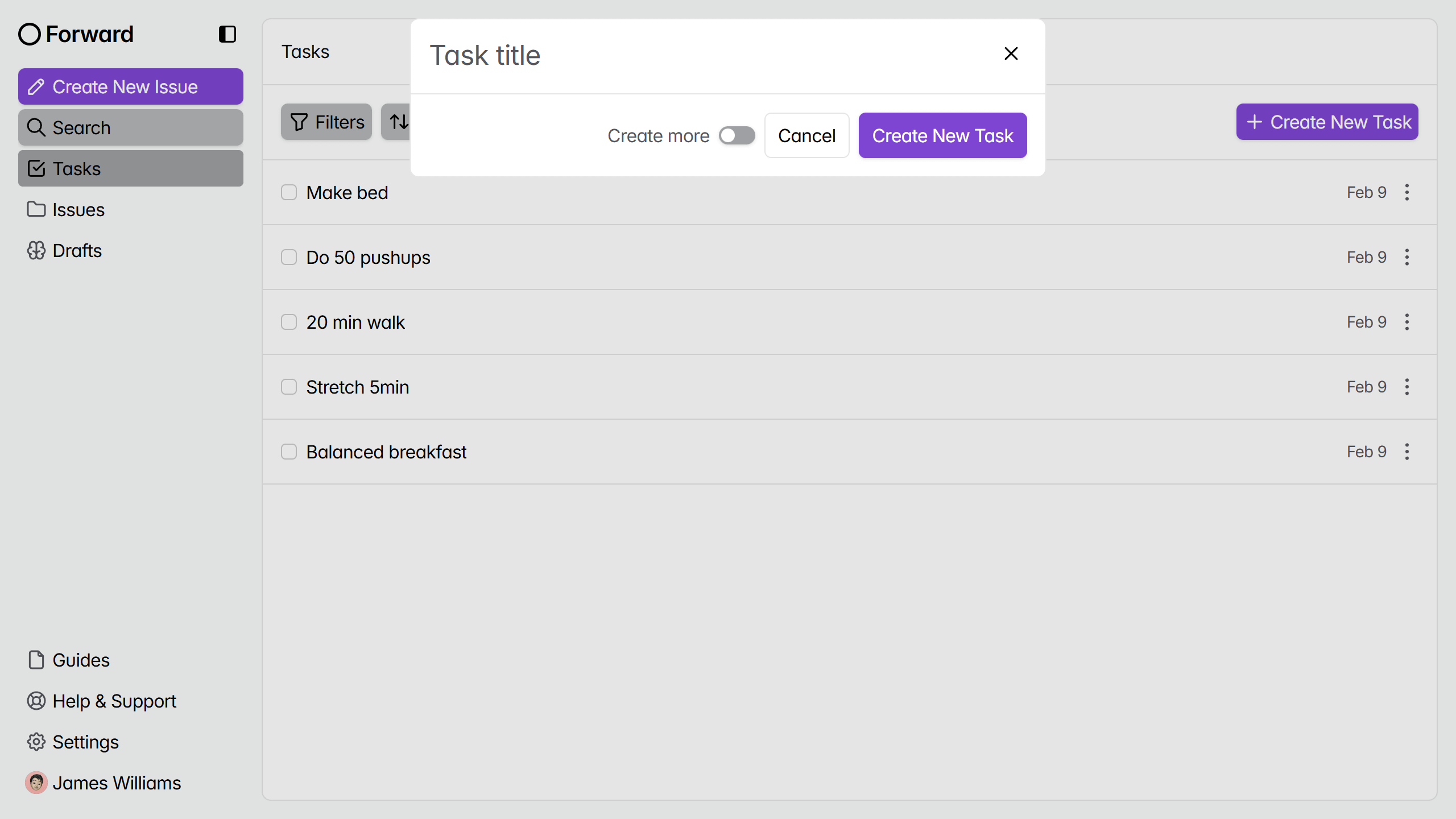
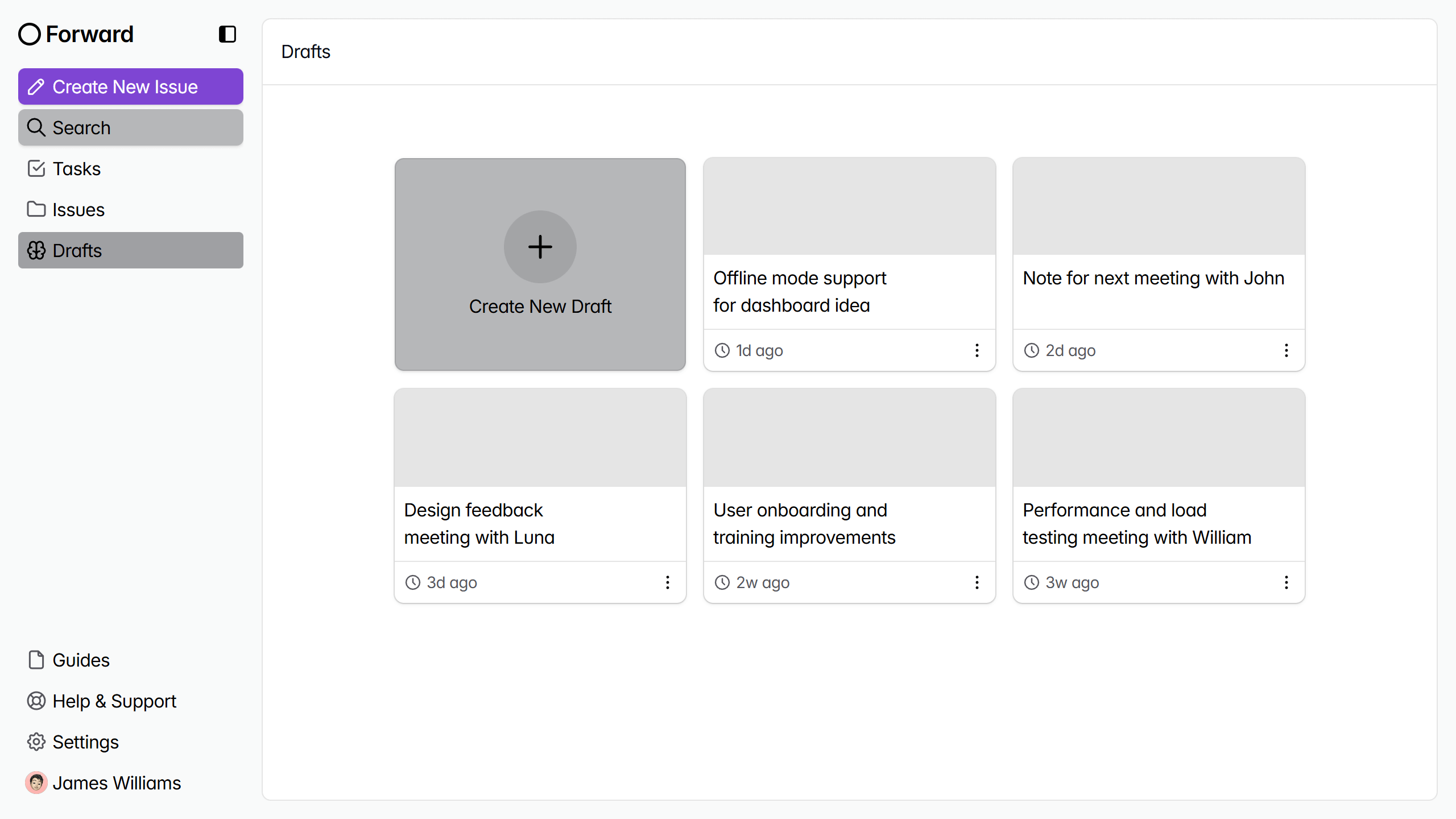
Tasks run your daily to-do checklist. Issues track bugs or fixes. Drafts hold your quick notes
Allow users and teams to create reusable templates for common issue types to make issue creation faster and more consistent
 James Williams
Find guides for every part of the app. See how to set up your board, create issues. Jump in fast, no guessing
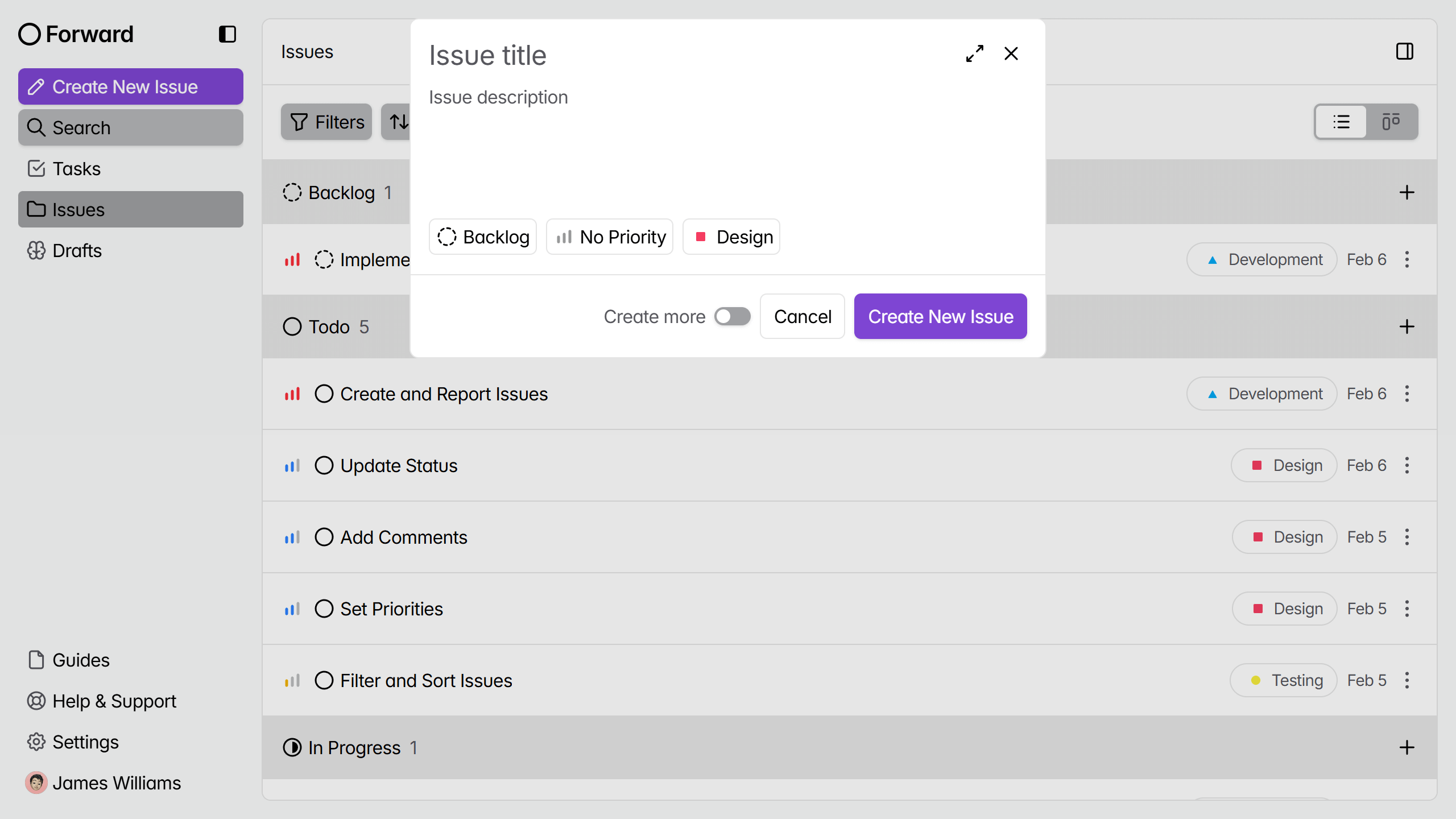
Move issues through every status, set priorities, add tags, and keep every detail together from start until completion
Save reusable issue structures, skip repeated writing, and help everyone start with the same information every single time
Start from a blank page when you don't need a predefined structure and want to organize every detail your own way
Describe new ideas, expected behavior, reasons behind the request, and any details that help others understand the proposed feature
Record what went wrong, how to reproduce the problem, what should have happened, and any details useful for fixing it
Suggest changes that make existing features better, easier to use, or more useful while explaining the problem they solve
Report critical issues preventing work from moving forward, explain what is blocked, and describe what is needed to continue
Write ideas, meeting notes, reminders, or anything worth keeping until you decide what should happen with it later
Separate ideas, meetings, inspiration, and general notes so finding the right draft takes less time every single day
Capture everyday notes, updates, thoughts, and information that don't fit another category or need a flexible place for organization
Prepare the team for the upcoming sprint by reviewing priorities, confirming commitments, and ensuring everyone understands the goals and outcomes
Review prioritized backlog items to confirm they are ready for development with clear requirements and acceptance criteria before sprint begins
Confirm team availability, planned vacations, and schedule changes that could impact delivery during the sprint and adjust commitments accordingly
Monitor sprint progress regularly and keep issue statuses updated as work moves forward to identify delays and blockers early enough
Keep sprint scope realistic and avoid adding unnecessary work after planning is complete so the team can focus on priorities
Explore new ideas, concepts, possibilities, and thoughts worth developing, discussing, refining, or revisiting as potential solutions or future projects
Prepare the team for the upcoming sprint by reviewing priorities, confirming commitments, and ensuring everyone understands the goals and outcomes
Review prioritized backlog items to confirm they are ready for development with clear requirements and acceptance criteria before sprint begins
Confirm team availability, planned vacations, and schedule changes that could impact delivery during the sprint and adjust commitments accordingly
Monitor sprint progress regularly and keep issue statuses updated as work moves forward to identify delays and blockers early enough
Keep sprint scope realistic and avoid adding unnecessary work after planning is complete so the team can focus on priorities
Record key points, decisions, action items, questions, and important details from conversations, discussions, and team meetings for future reference
Prepare the team for the upcoming sprint by reviewing priorities, confirming commitments, and ensuring everyone understands the goals and outcomes
Review prioritized backlog items to confirm they are ready for development with clear requirements and acceptance criteria before sprint begins
Confirm team availability, planned vacations, and schedule changes that could impact delivery during the sprint and adjust commitments accordingly
Monitor sprint progress regularly and keep issue statuses updated as work moves forward to identify delays and blockers early enough
Keep sprint scope realistic and avoid adding unnecessary work after planning is complete so the team can focus on priorities
Save references, observations, examples, and thoughts that spark creativity, influence your work, or provide useful direction for future projects
Prepare the team for the upcoming sprint by reviewing priorities, confirming commitments, and ensuring everyone understands the goals and outcomes
Review prioritized backlog items to confirm they are ready for development with clear requirements and acceptance criteria before sprint begins
Confirm team availability, planned vacations, and schedule changes that could impact delivery during the sprint and adjust commitments accordingly
Monitor sprint progress regularly and keep issue statuses updated as work moves forward to identify delays and blockers early enough
Keep sprint scope realistic and avoid adding unnecessary work after planning is complete so the team can focus on priorities
Prepare the team for the upcoming sprint by reviewing priorities, confirming commitments, and ensuring everyone understands the goals and outcomes
Review prioritized backlog items to confirm they are ready for development with clear requirements and acceptance criteria before sprint begins
Confirm team availability, planned vacations, and schedule changes that could impact delivery during the sprint and adjust commitments accordingly
Monitor sprint progress regularly and keep issue statuses updated as work moves forward to identify delays and blockers early enough
Keep sprint scope realistic and avoid adding unnecessary work after planning is complete so the team can focus on priorities
Create tasks, check completed work, uncheck when plans change, and always know what still needs your attention today
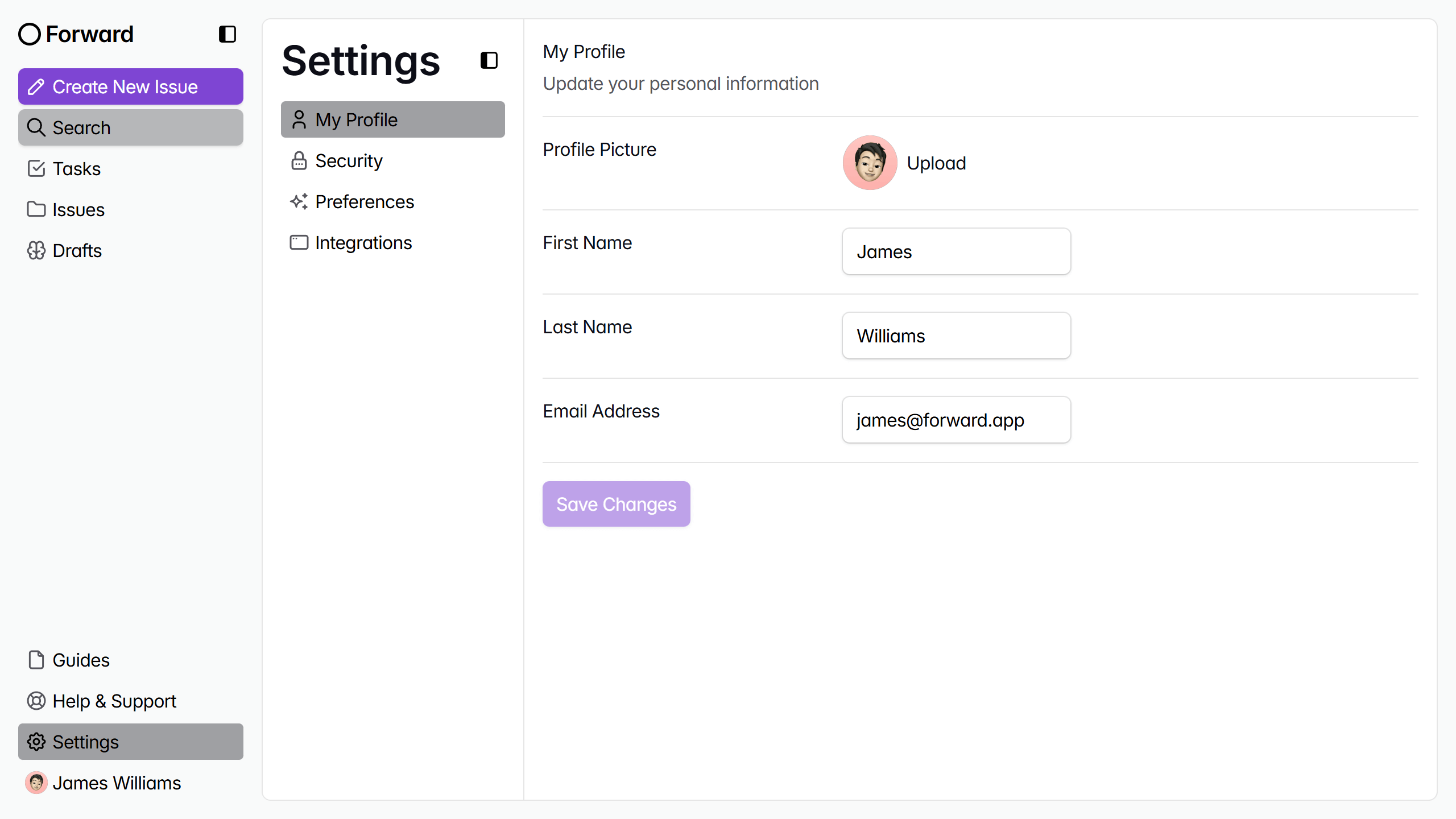
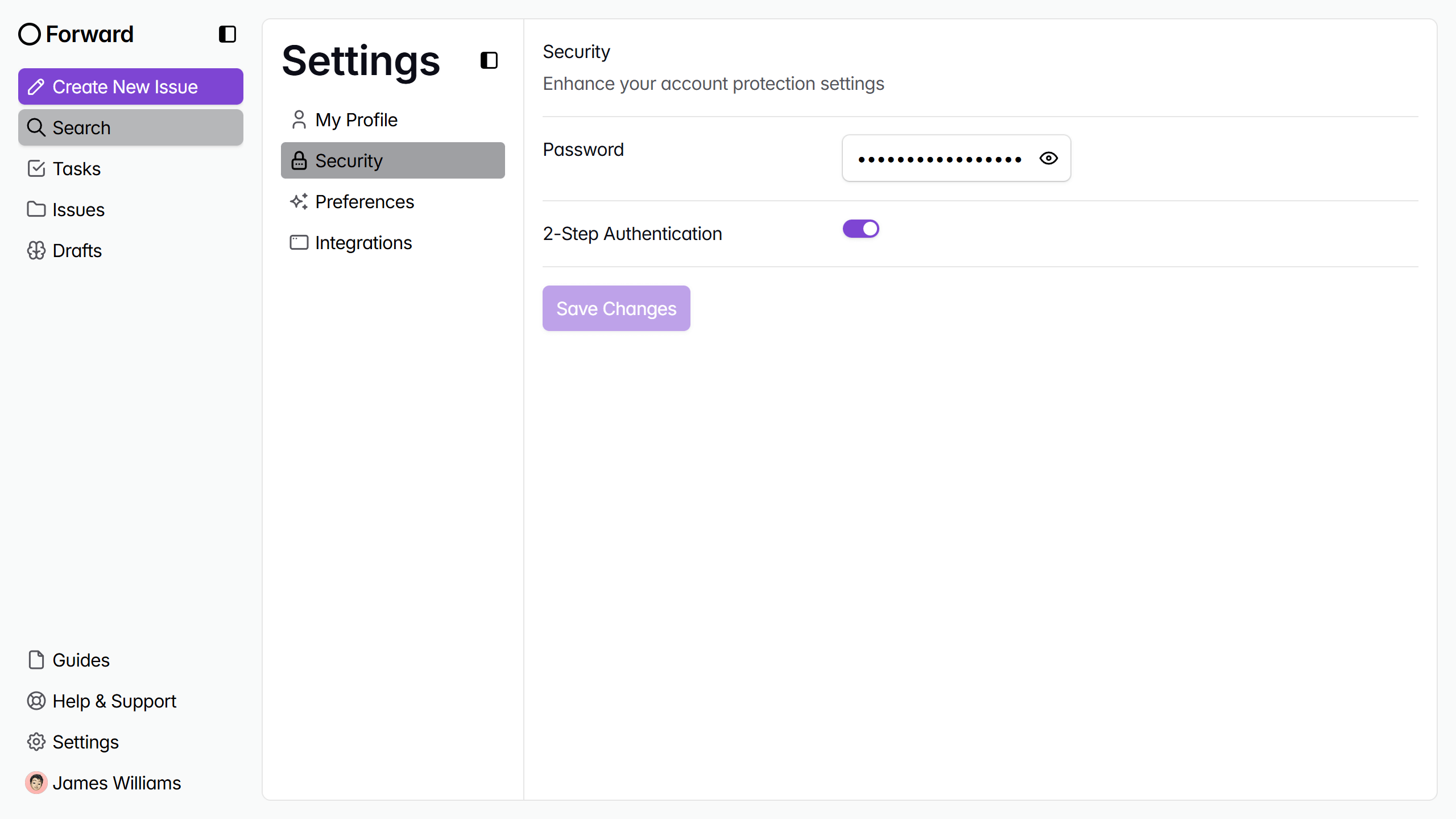
Your issues, drafts, and tasks stay protected, giving you confidence your work remains private and always available
Click to get started. Start tracking issues, drafts, and tasks today
Get Started